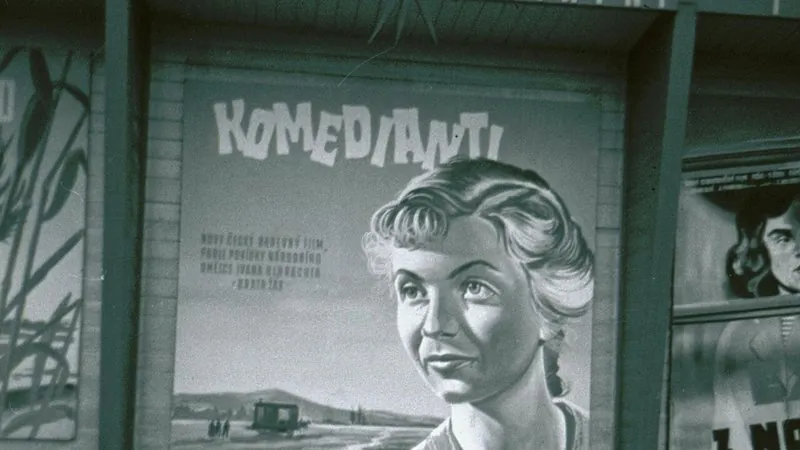
Movie poster starring you
Turns your portrait into a film poster — action, rom-com, horror or drama — with dramatic lighting and a title.
The prompt
95 wordsTurn this photo into a cinematic [action thriller] movie poster starring this person. Keep the person's face, facial features, skin tone and hair exactly as in the photo, as the large central figure with dramatic, high-contrast lighting. Build a background that fits the genre, such as a city skyline at dusk, smoke and sparks or a stormy sky. Use a bold, polished, professional colour grade. Leave clear space at the top for the title and at the bottom for credits, and add the title '[YOUR TITLE]' in bold cinematic lettering. High resolution, theatrical one-sheet layout.
Getting the best result
- 1
Change the genre and the mood follows: 'romantic comedy' (bright, pastel), 'horror' (dark, cold green), 'indie drama' (muted film tones).
- 2
AI text can misspell words — keep the title short, or leave the space empty and add the title yourself.
- 3
Make up your own title rather than copying a real film's poster or logo.
Where to use it
Paste this into any AI image tool that accepts a text instruction — upload your photo first, then paste the prompt as the edit instruction. The wording is deliberately explicit, because the constraints are what stop the model drifting away from what you asked for.