Pre-wedding photoshoot from a couple photo
Turns an everyday couple photo into a romantic pre-wedding shoot — palace, beach or hills — with soft cinematic light.
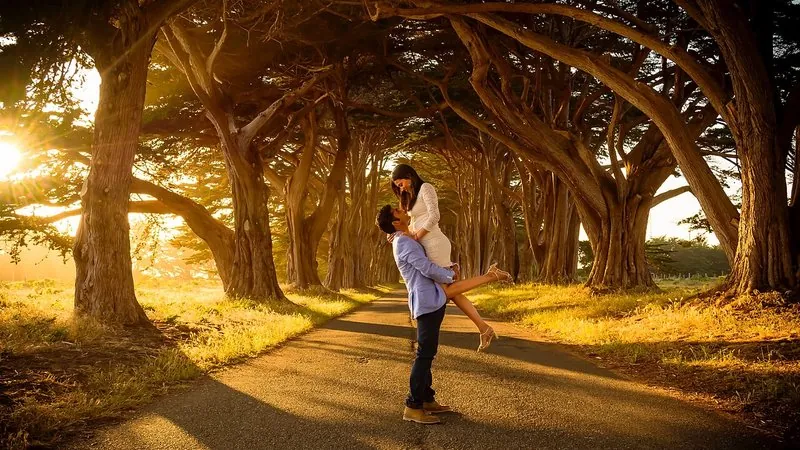
The prompt
118 wordsTransform this photo of a couple into a professional pre-wedding photoshoot image. Place them in [a grand Rajasthani palace courtyard with carved arches at golden hour]. Dress them in coordinated outfits — the woman in a flowing [pastel lehenga] and the man in a [matching cream sherwani] — and pose them naturally close together, as if caught laughing in a candid moment. Light the scene with soft, warm golden-hour sunlight, gentle rim light on the hair and a shallow depth of field. Give it a polished, cinematic wedding-photography colour grade with soft, warm tones. Keep both people's faces, facial features, skin tones, body shapes and expressions exactly as in the original photo. Photorealistic, shot on an 85mm lens.
Getting the best result
- 1
Change the location in the first brackets: 'a beach at sunset with flowing fabric', 'misty tea gardens in the hills', 'a snowy valley in Kashmir', 'a cobbled European old-town street'.
- 2
For Western wear, change the outfits to 'a flowing white gown and a navy suit'.
- 3
Use a photo where both faces are clear, evenly lit and similar in size — the smaller face is the one that drifts.
Where to use it
Paste this into any AI image tool that accepts a text instruction — upload your photo first, then paste the prompt as the edit instruction. The wording is deliberately explicit, because the constraints are what stop the model drifting away from what you asked for.