Blur the background like a DSLR
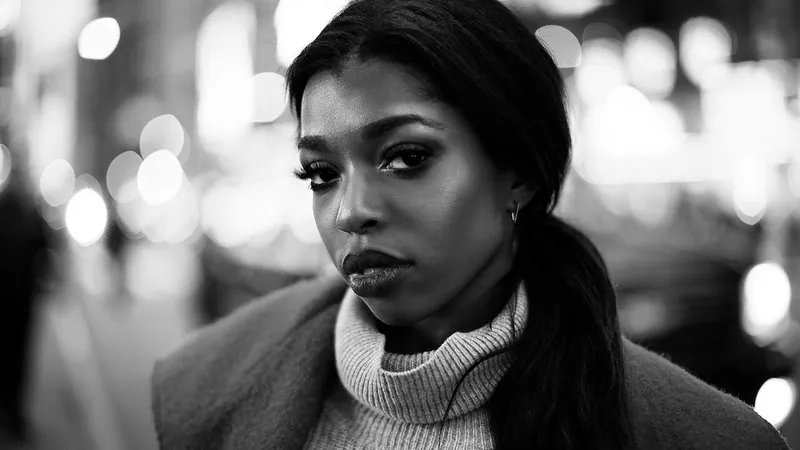
Adds soft, natural background blur (bokeh) to a phone photo so you stand out, like a portrait lens at f/1.8.
The prompt
98 wordsMake this look like it was shot on a full-frame camera with an 85mm f/1.8 portrait lens. Keep the person in sharp focus from the tip of the nose to the ears, and blur the background with smooth, creamy, natural depth of field that increases gradually with distance. Turn small background lights into soft circular bokeh. Keep the edge between subject and background clean and natural around the hair, shoulders and hands — no cut-out halo and no blurred strands of hair. Do not change the background's content or colours, or the person's appearance; change only the focus.
Getting the best result
- 1
Blur that starts suddenly at the shoulders looks fake — 'increases gradually with distance' keeps nearby ground sharper.
- 2
For a stronger effect change f/1.8 to f/1.2; for a subtle one, f/2.8.
- 3
It works best when there was real distance between you and the background.
Where to use it
Paste this into any AI image tool that accepts a text instruction — upload your photo first, then paste the prompt as the edit instruction. The wording is deliberately explicit, because the constraints are what stop the model drifting away from what you asked for.