Solid colour backdrop for a profile picture
A bold or pastel studio colour behind you — the clean, consistent look used for Instagram, WhatsApp and team pages.
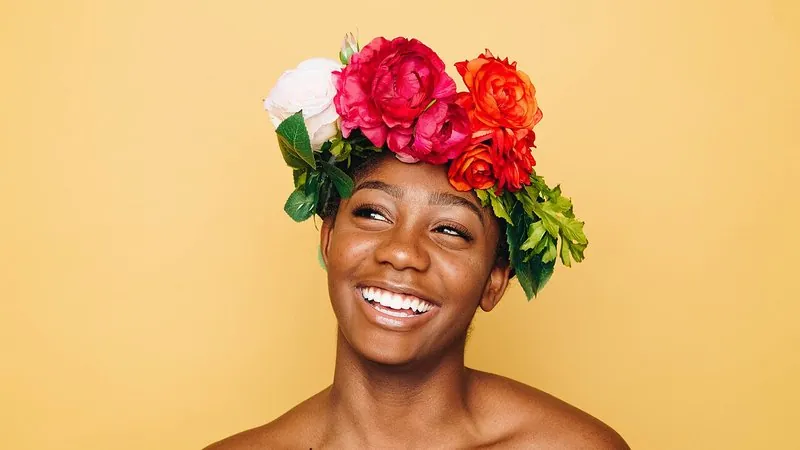
The prompt
97 wordsReplace the background of this photo with a smooth, solid [soft pastel blue] studio backdrop with very subtle gradient falloff from the centre. Light the subject with soft, flattering studio light so they look naturally photographed against this colour, with a gentle shadow behind the shoulders. Cut out precisely around the hair and clothing, and remove any colour spill from the old background. Frame as a centred head-and-shoulders portrait with room around the head so it crops cleanly into a circle. Keep the person's face, facial features, skin tone, hair, clothing and expression exactly as they are.
Getting the best result
- 1
Pick a colour that contrasts with your clothes: a navy shirt on peach, a white shirt on deep teal.
- 2
The circle-crop sentence matters — Instagram, WhatsApp and LinkedIn all show profile pictures as circles.
- 3
For a team page, use the same colour for everyone so the photos match.
Where to use it
Paste this into any AI image tool that accepts a text instruction — upload your photo first, then paste the prompt as the edit instruction. The wording is deliberately explicit, because the constraints are what stop the model drifting away from what you asked for.