Turn a photo into an oil painting
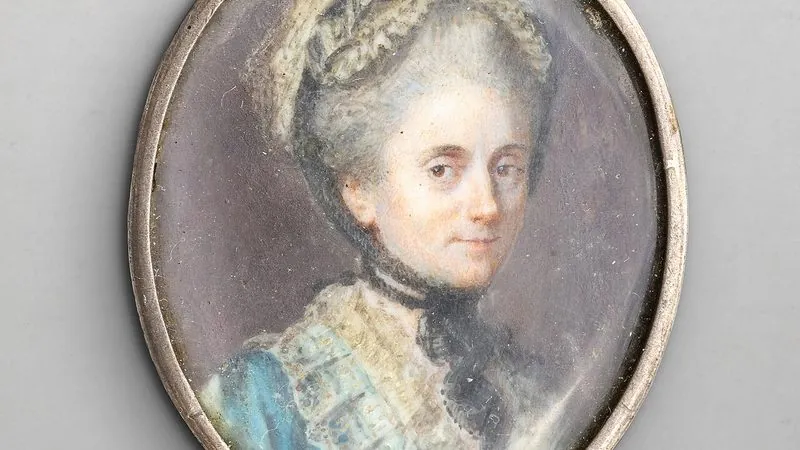
Repaints a photograph in a classical portrait style with visible brushwork.
The prompt
82 wordsRepaint this photograph as a classical oil portrait in the manner of 19th-century academic painting. Use visible directional brushwork, thicker impasto in the highlights and thin, smooth glazing in the shadows. Warm the palette toward earth tones — ochre, umber, deep crimson — against a dark, softly vignetted background. Light the subject with a single warm source from the upper left, in the chiaroscuro tradition. Keep the sitter clearly recognisable: preserve their facial structure, proportions and expression. Include subtle canvas texture throughout.
Getting the best result
- 1
Naming the technique (impasto, glazing, chiaroscuro) produces far better results than 'oil painting style'.
- 2
Add 'preserve the sitter's likeness' if the face starts drifting toward a generic painted look.
Where to use it
Paste this into any AI image tool that accepts a text instruction — upload your photo first, then paste the prompt as the edit instruction. The wording is deliberately explicit, because the constraints are what stop the model drifting away from what you asked for.