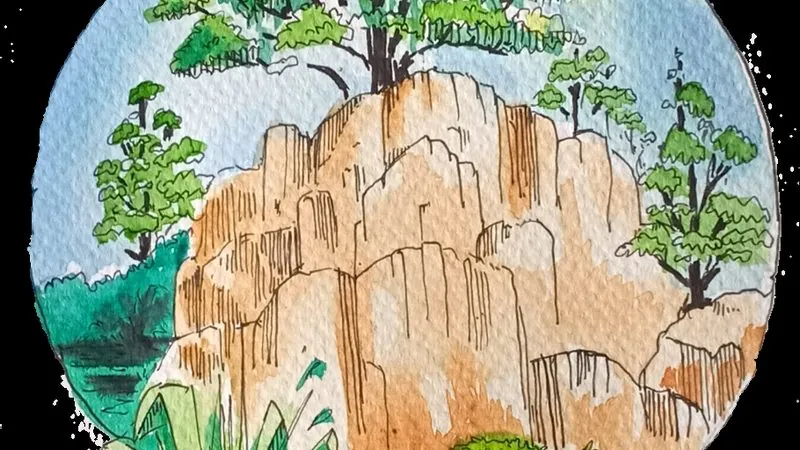
Photo to watercolour illustration
Loose, airy watercolour treatment with paper texture and bleeding edges.
The prompt
88 wordsReinterpret this image as a loose watercolour illustration on cold-pressed paper. Use translucent washes that let the paper show through, with pigment pooling and bleeding at the edges of each wash. Leave areas of white paper unpainted for highlights rather than using white paint. Keep linework minimal — suggest form with colour rather than outlining it. Use a limited palette of three or four harmonious colours. Preserve the recognisable shape and composition of the original subject while letting the details dissolve softly toward the edges of the frame.
Getting the best result
- 1
'Leave white paper for highlights' is the single instruction that makes it read as watercolour rather than a blur filter.
- 2
Limiting the palette prevents the muddy result you get from full-colour conversion.
Where to use it
Paste this into any AI image tool that accepts a text instruction — upload your photo first, then paste the prompt as the edit instruction. The wording is deliberately explicit, because the constraints are what stop the model drifting away from what you asked for.