Change your outfit in a photo
Swap what you are wearing — a suit, saree, kurta or casual look — while your face, pose and background stay the same.
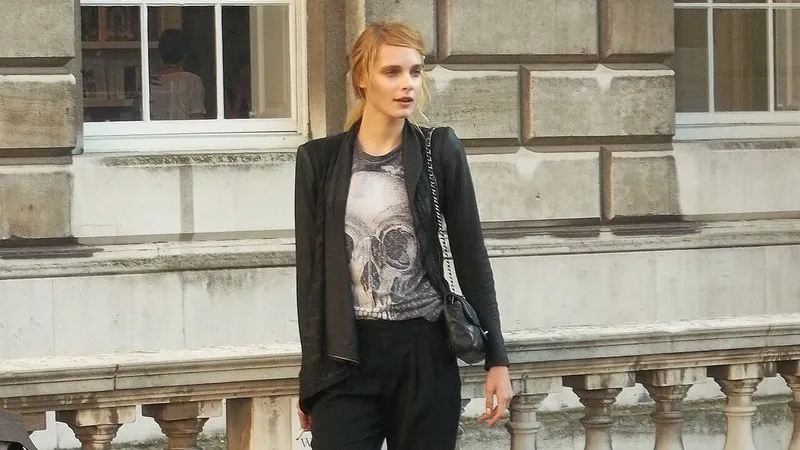
The prompt
73 wordsChange only the clothing of the person in this photo to [a tailored charcoal-grey suit with a white shirt and no tie]. Fit the new outfit naturally to the person's body and pose, with realistic fabric texture, folds and drape, and shadows that match the photo's lighting. Keep the person's face, facial features, skin tone, hair, body shape, pose, hands and the background exactly as they are — only the clothes change. Photorealistic.
Getting the best result
- 1
Swap the brackets for any outfit: 'navy silk saree with a gold border', 'white kurta with a Nehru jacket', 'denim jacket over a white tee', 'black evening dress'.
- 2
Arms crossing the body are where outfit swaps glitch — a simple standing pose works best.
- 3
Describe colour, fabric and cut rather than naming real brands.
Where to use it
Paste this into any AI image tool that accepts a text instruction — upload your photo first, then paste the prompt as the edit instruction. The wording is deliberately explicit, because the constraints are what stop the model drifting away from what you asked for.