Try a new hairstyle on your photo
See yourself with a different haircut or hair colour before you go to the salon — your face stays exactly the same.
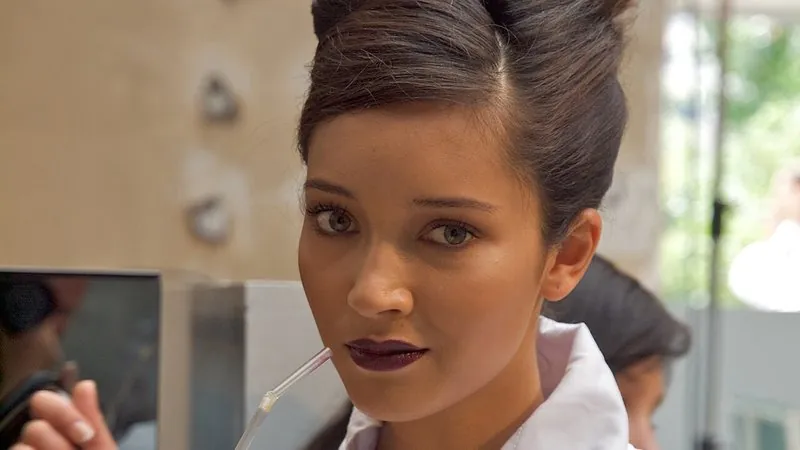
The prompt
80 wordsChange only the hairstyle of the person in this photo to [a short textured crop with a low fade]. Make the new hair look completely real: a natural hairline, individual strands, realistic volume and shine, and correct shadows on the forehead and neck. Match the hair to the photo's lighting and keep the hair colour [the same as the original]. Do not change the person's face, facial features, skin tone, expression, clothing, background or anything else — only the hair.
Getting the best result
- 1
Be specific about the cut: 'shoulder-length layered bob with curtain bangs', 'long soft waves', 'buzz cut', 'side-parted pompadour'.
- 2
To try a colour, change the second brackets: 'warm caramel balayage', 'ash grey', 'burgundy'.
- 3
Run the same photo with three or four styles and compare them side by side before deciding.
Where to use it
Paste this into any AI image tool that accepts a text instruction — upload your photo first, then paste the prompt as the edit instruction. The wording is deliberately explicit, because the constraints are what stop the model drifting away from what you asked for.