Professional headshot from a snapshot
Converts a casual photo into a clean corporate headshot without changing the person.
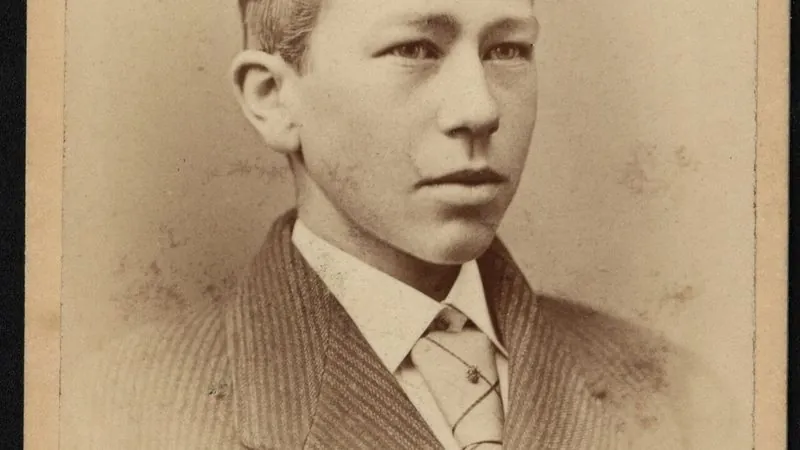
The prompt
88 wordsTurn this photo into a professional corporate headshot. Replace the background with a soft, evenly lit neutral grey studio backdrop with gentle falloff. Relight the subject with soft key lighting from the front-left and a subtle fill, producing flattering, even illumination with no harsh shadows. Adjust the clothing to a well-fitted plain dark blazer over a simple top. Keep the person's face, hairstyle, skin tone, age and expression exactly as they are — no smoothing, slimming or beautification. Frame as a head-and-shoulders portrait with natural depth of field.
Getting the best result
- 1
Start from a photo where the face is already sharp and evenly lit — relighting cannot fix a badly blown-out face.
- 2
Swap the backdrop colour for your brand: 'soft deep-navy backdrop' works well.
- 3
If the face drifts, add: 'preserve the exact facial geometry of the original'.
Where to use it
Paste this into any AI image tool that accepts a text instruction — upload your photo first, then paste the prompt as the edit instruction. The wording is deliberately explicit, because the constraints are what stop the model drifting away from what you asked for.