Sharpen a blurry, low-resolution photo
Recovers detail in a soft or small image without the waxy over-sharpened look.
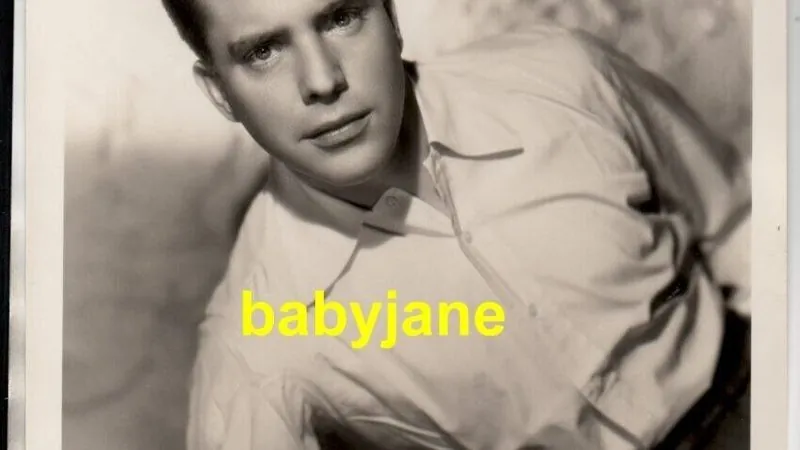
The prompt
66 wordsIncrease the resolution and sharpness of this photograph. Recover fine detail in hair, eyelashes, fabric weave and background texture. Remove compression artefacts, colour banding and digital noise while keeping natural film grain. Do not alter the subject's facial features, proportions or expression. Avoid an over-sharpened, waxy or plastic appearance — aim for the look of a photograph taken with a sharp lens, not a filtered one.
Getting the best result
- 1
Works far better on slightly soft images than on heavily motion-blurred ones — motion blur destroys information no model can recover.
- 2
For faces specifically, add: 'prioritise detail recovery in the eyes and mouth'.
Where to use it
Paste this into any AI image tool that accepts a text instruction — upload your photo first, then paste the prompt as the edit instruction. The wording is deliberately explicit, because the constraints are what stop the model drifting away from what you asked for.