Remove unwanted objects from a photo
Cleanly deletes people, wires, bins or signage and rebuilds what was behind them.
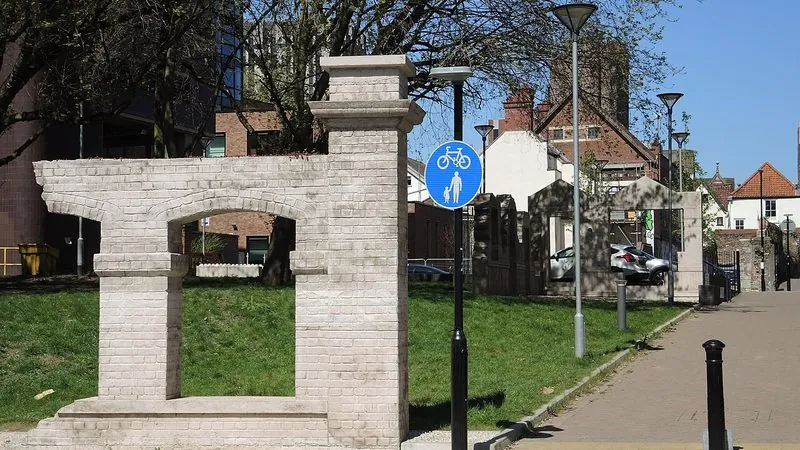
The prompt
62 wordsRemove [DESCRIBE THE OBJECT] from this photograph. Reconstruct the area behind it by continuing the surrounding surfaces, textures, patterns and lighting naturally, so there is no visible trace, blur patch or smudge where it was. Keep everything else in the image — the subject, composition, colours, lighting and perspective — exactly unchanged. The result must look like the object was never there.
Getting the best result
- 1
Be specific about what to remove: 'the red bin on the left' works, 'the clutter' does not.
- 2
Remove one thing at a time. Batch removals routinely damage the surrounding image.
Where to use it
Paste this into any AI image tool that accepts a text instruction — upload your photo first, then paste the prompt as the edit instruction. The wording is deliberately explicit, because the constraints are what stop the model drifting away from what you asked for.