Soft aesthetic Instagram edit
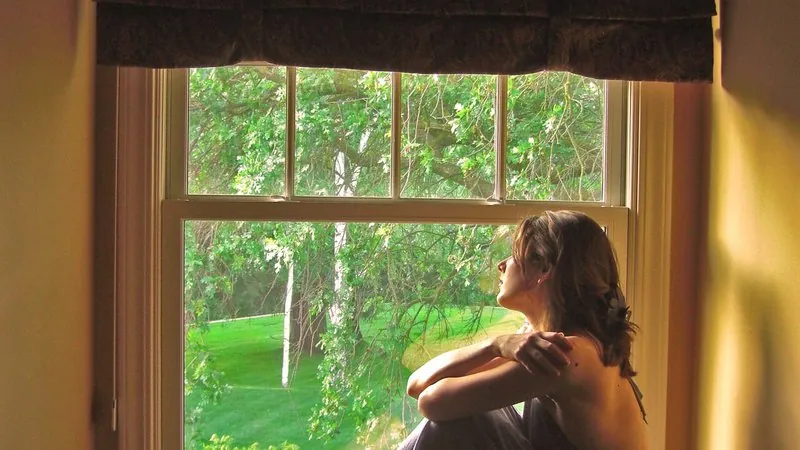
The warm, faded, film-toned look of aesthetic Instagram feeds, applied to your photo without changing anything in it.
The prompt
100 wordsApply a soft aesthetic Instagram edit to this photo without changing its content. Warm the white balance slightly, lift the blacks into a gentle matte fade, lower the overall contrast and saturation a little, and give the highlights a creamy, slightly peach tone with soft greens and muted blues. Add very fine film grain and a subtle glow to the brightest areas. Keep skin tones natural and true to the person — no orange or grey skin. Do not change the person's face, body, clothing or pose, or anything in the scene; this is only a colour and tone edit.
Getting the best result
- 1
If it looks washed out, ask for 'less fade in the blacks'.
- 2
Use the same prompt on every photo in a post so your feed looks consistent.
- 3
The natural-skin sentence prevents the orange skin common with warm filters.
Where to use it
Paste this into any AI image tool that accepts a text instruction — upload your photo first, then paste the prompt as the edit instruction. The wording is deliberately explicit, because the constraints are what stop the model drifting away from what you asked for.