Black & white studio portrait
A dramatic, high-contrast black-and-white portrait with studio lighting — timeless for profile pictures and author photos.
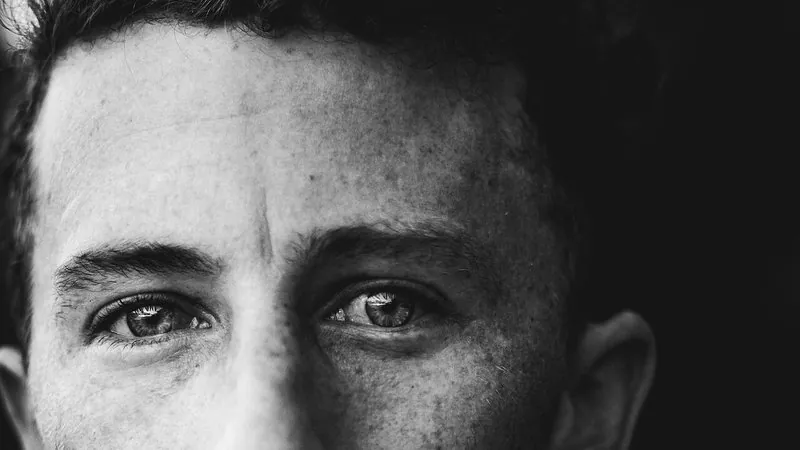
The prompt
91 wordsTurn this photo into a dramatic black-and-white studio portrait. Convert it to rich monochrome with deep blacks, bright clean highlights and a full range of greys. Relight the subject with a single soft key light from one side, creating gentle sculpting shadows on the other side of the face, against a plain dark-grey background. Keep fine detail and natural skin texture, add subtle film grain, and frame as a tight head-and-shoulders portrait. Keep the person's face, facial features, hair and expression exactly as in the original — no smoothing or reshaping.
Getting the best result
- 1
For a brighter, softer version ask for 'high-key black and white on a white background'.
- 2
A dark background suits author and speaker photos; a white one gives a friendlier look.
- 3
Strong side light shows skin texture — if that's unflattering, ask for 'broad, soft frontal light'.
Where to use it
Paste this into any AI image tool that accepts a text instruction — upload your photo first, then paste the prompt as the edit instruction. The wording is deliberately explicit, because the constraints are what stop the model drifting away from what you asked for.