Golden-hour glow on any portrait
Relights a dull or midday photo with warm, low evening sun — the soft glow behind so many of the most-liked profile pictures.
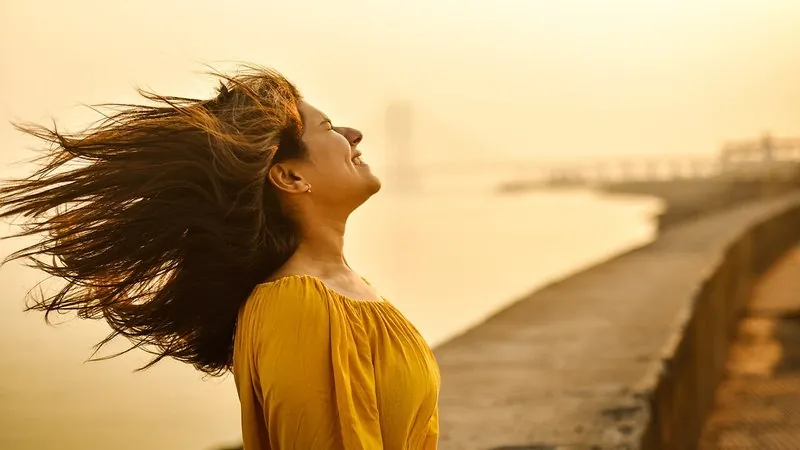
The prompt
99 wordsRelight this portrait as if it were taken during golden hour, about twenty minutes before sunset. Add warm, low, directional sunlight from behind and to one side of the subject, creating a soft golden rim light on the hair, ear and shoulder, and gentle warm light on the face. Add a soft, natural lens flare and a warm haze in the background. Keep the shadows soft and the skin tones natural and warm, not orange. Keep the person's face, facial features, skin tone, hair, clothing, pose and the background content exactly as they are — change only the light.
Getting the best result
- 1
Midday photos with harsh shadows under the eyes improve the most.
- 2
If the face goes too orange, add 'keep the face lit by soft neutral fill light'.
- 3
Delete the lens-flare sentence for a cleaner, more professional version.
Where to use it
Paste this into any AI image tool that accepts a text instruction — upload your photo first, then paste the prompt as the edit instruction. The wording is deliberately explicit, because the constraints are what stop the model drifting away from what you asked for.