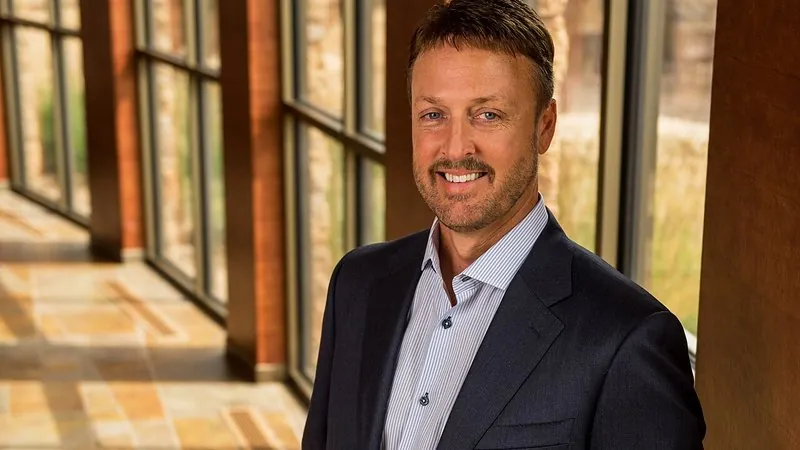
Business headshot with a blurred office
A modern, approachable headshot — smart clothes and a softly blurred office behind you — for LinkedIn, websites and résumés.
The prompt
119 wordsTurn this photo into a modern professional headshot. Dress the person in [a well-fitted navy suit with a white open-collar shirt] and place them in front of a softly blurred, bright modern office with glass walls, plants and warm daylight. Light the face with soft, natural window light from one side and a gentle fill so there are no harsh shadows. Frame as a chest-up portrait with the body turned slightly and the face toward the camera, with a natural, confident and friendly expression. Shot on an 85mm lens at f/2 with crisp focus on the eyes. Keep the person's face, facial features, skin tone, hair, age and expression exactly as in the original — no smoothing or slimming.
Getting the best result
- 1
Match the outfit to your field: 'smart-casual knit polo' for tech, 'saree with a tailored blouse' or 'kurta with a Nehru jacket' for Indian formal wear.
- 2
Swap the office for 'a blurred city street', 'a bookshelf' or 'a hospital corridor' to suit your work.
- 3
Keep your original expression — a forced new smile is where the face stops looking like you.
Where to use it
Paste this into any AI image tool that accepts a text instruction — upload your photo first, then paste the prompt as the edit instruction. The wording is deliberately explicit, because the constraints are what stop the model drifting away from what you asked for.