Professional studio photoshoot from a selfie
Makes a phone selfie look like a paid studio photoshoot: proper lighting, a seamless backdrop, real camera quality and a natural pose.
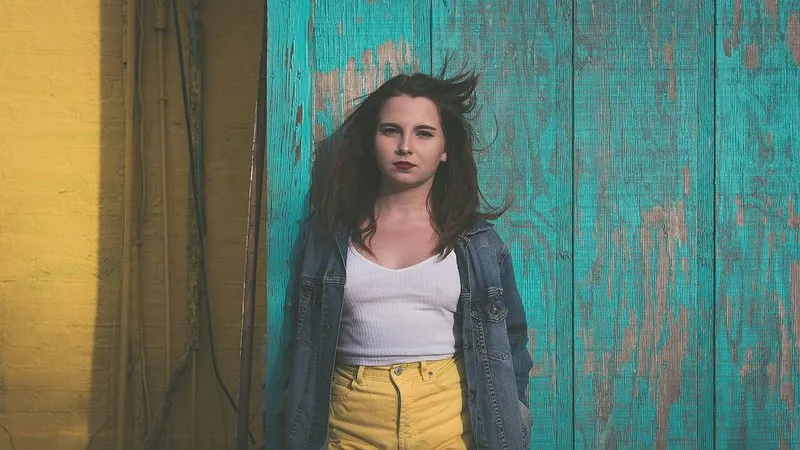
The prompt
119 wordsTurn this selfie into a professional studio photoshoot portrait. Correct the wide-angle selfie distortion so the face has natural proportions, as if photographed from two metres away on an 85mm lens. Reframe as a natural three-quarter portrait with relaxed shoulders, and remove the outstretched arm. Light the subject with a large soft key light from the front-left, a subtle fill and a gentle hair light that separates them from a seamless [warm grey] studio backdrop. Make it look like a high-resolution photograph from a professional camera: accurate colour, crisp eyes and realistic skin texture with visible pores. Keep the person's face, facial features, skin tone, age, hair and expression exactly as they are — no beautification or face reshaping.
Getting the best result
- 1
Selfies stretch the nose and shrink the ears; the distortion sentence is what makes this look like a real shoot.
- 2
Keep 'realistic skin texture with visible pores' — without it you get the smooth, plastic AI look.
- 3
Run it a few times with different backdrops — 'deep navy', 'textured canvas', 'white' — and keep the best.
Where to use it
Paste this into any AI image tool that accepts a text instruction — upload your photo first, then paste the prompt as the edit instruction. The wording is deliberately explicit, because the constraints are what stop the model drifting away from what you asked for.